

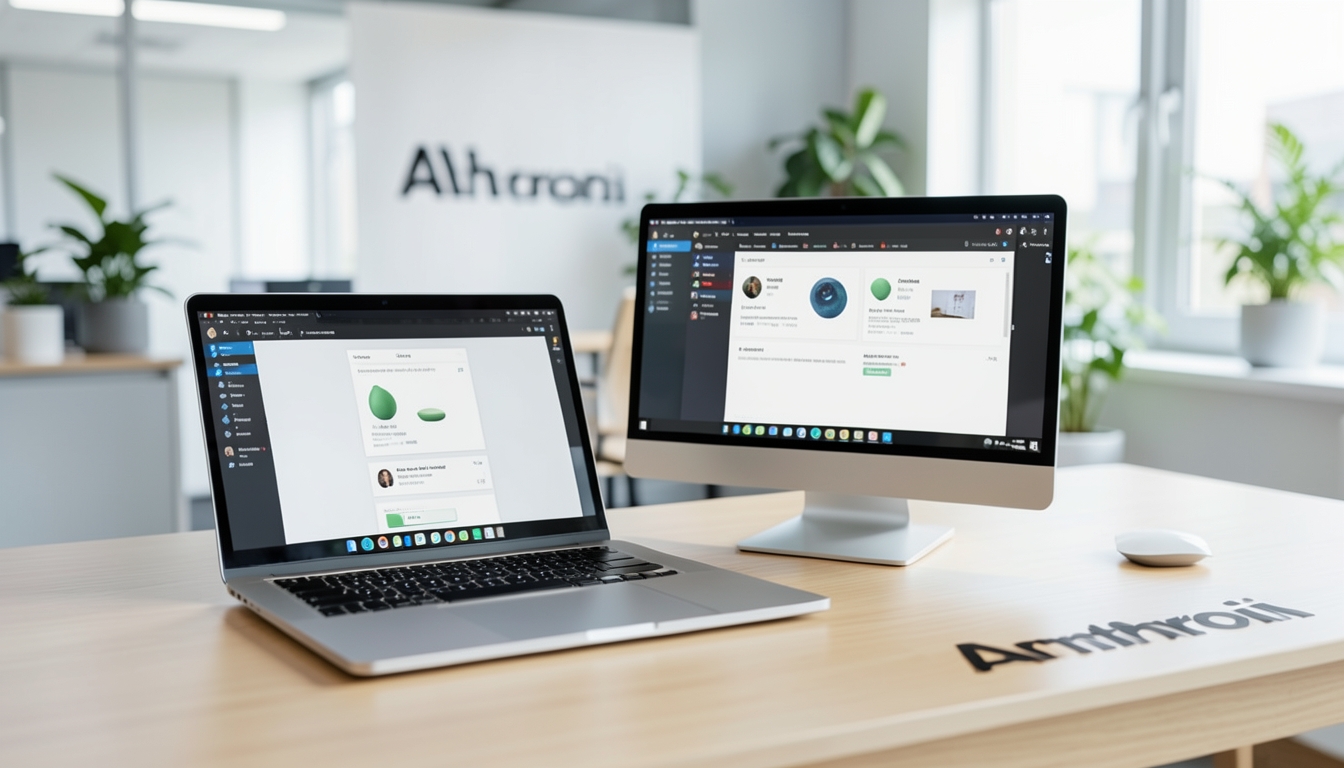
Anthropic is rolling out a new feature that allows users to transform its Claude artifacts into standalone desktop applications for both Mac and Windows operating systems. Available in beta across all free and paid subscription tiers, the capability aims to streamline repetitive daily tasks and offer easier access to frequently used work tools without requiring users to keep a primary browser window open.
Initially introduced in 2024, Claude artifacts quickly evolved into a popular format for standardizing and repeating regular workplace operations. Previously, these outputs operated exclusively inside the main Claude interface or within web browsers. By decoupling them into dedicated desktop applications, professionals can now run different Claude queries concurrently while executing their artifacts locally as independent software tools.
According to Anthropic, each installed artifact receives its own dedicated icon and operates in a separate window. These mini-applications remain connected to the broader Claude ecosystem, meaning they can utilize existing connectors and update automatically whenever the underlying artifact is modified within the main platform. However, any requests these standalone apps send back to Claude will count toward the user’s standard usage limits, which remain lower for free-tier accounts.
While the desktop apps provide greater workflow flexibility, they do come with certain limitations and technical requirements. Users must still maintain an active internet connection and be signed in to Claude for the apps to function, meaning they cannot operate entirely offline. Furthermore, legacy artifacts, live items from Claude Cowork, and templates generated from Docs, Slides, or Sheets are currently ineligible for desktop installation.
Managing permissions is a critical component of the new feature. Ranging from standard browser defaults to advanced capabilities such as notifications and full computer access, these permissions dictate how the artifact interacts with the host machine. Granting full computer access permits an app to read, modify, or delete files and run local programs without prompting the user each time. Anthropic advises caution, noting that the platform does not pre-screen these applications and only permits full-access privileges for self-created tools or those built by verified teammates on Enterprise plans.
The update highlights a broader industry shift toward AI-powered work suites rather than isolated chatbots. By allowing users to treat frequently utilized AI outputs as discrete software programs, companies can better integrate generative artificial intelligence into daily operational routines. Organizations utilizing Claude Enterprise tiers will find the feature disabled by default until system administrators explicitly activate it within their organizational settings.