

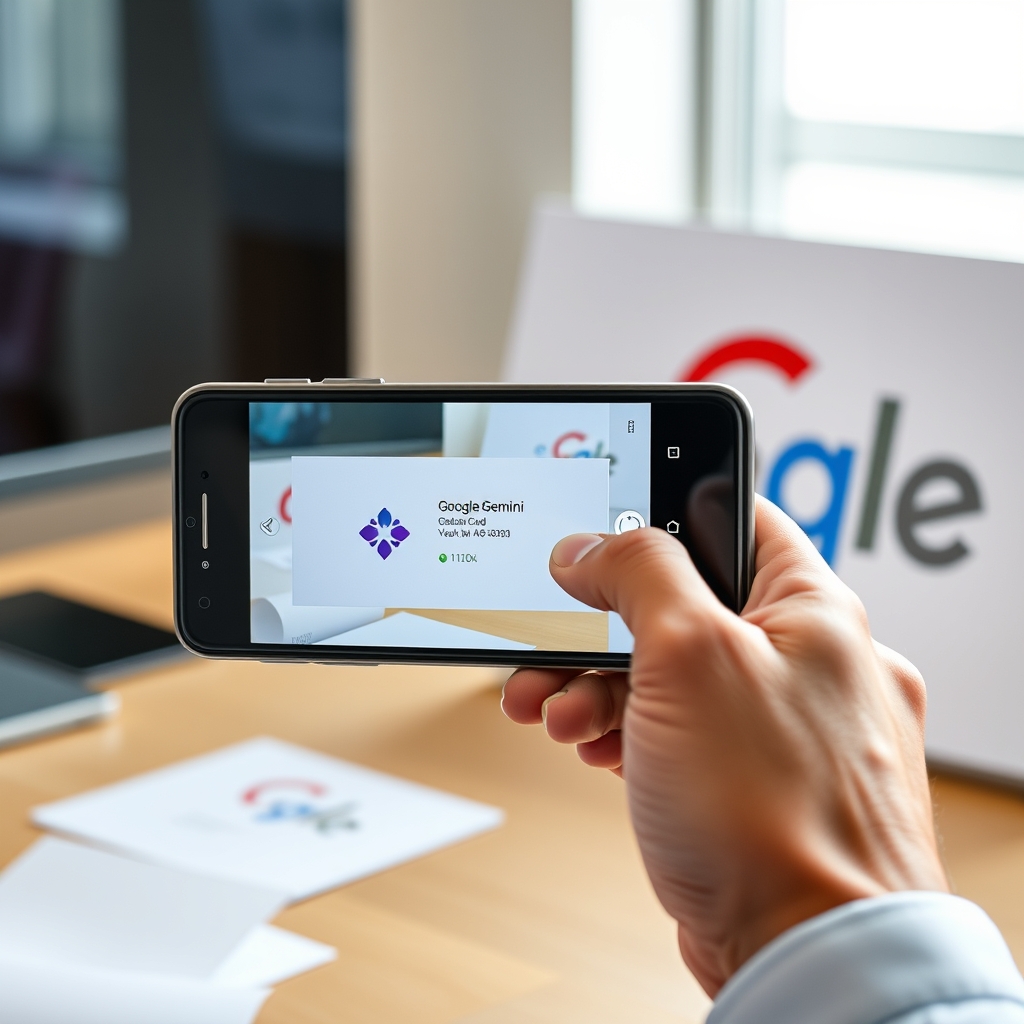
Google’s Gemini can turn contact details on a printed business card—or information displayed elsewhere on an Android device—into a contact saved on the phone. The feature is a modest productivity tool rather than a sweeping new AI capability, but it addresses a familiar administrative chore: copying names and details into the right fields by hand. For people who regularly collect contact information, that small reduction in friction could make it easier to keep a useful, current address book.
From business card to saved contact
To use the feature with a physical card, a user opens Gemini, taps the plus icon in the prompt area, chooses the camera option and takes a picture of the card. They then ask Gemini to save the information as a new contact. The assistant reads the visible details and prepares a contact entry, which the user can review and confirm. The process is intended to put the information into the appropriate fields in the phone’s Contacts app, avoiding a separate manual entry for each item.
There is an initial permission step: the first time, Gemini needs access to contacts. After that permission is granted, the workflow described by the feature is a photo followed by a confirmation. That makes it particularly straightforward for details printed on a card, where names, phone numbers and other contact information are already arranged together. The tool does not eliminate the need to check the result, but it can reduce the amount of typing required to create a complete entry.
The same approach can be used when contact information is already on the device’s screen. A user viewing details in an email or on a website can open Gemini and ask it to save the information as a contact. In that case, there is no need to photograph a card: the assistant works from the information being viewed and prepares an entry for confirmation. The two routes give the feature a practical scope beyond networking events or other situations involving printed business cards.
A small task with a useful payoff
Contact management is a basic part of personal and professional knowledge management. A phone address book can become a lightweight reference for people encountered through work, clients, suppliers or other day-to-day activity. Yet adding a new person often means switching between the source of the information and a contact form, then placing each detail in the right field. Gemini’s contact-creation workflow aims to compress those steps into a request and a review, using information already in front of the user.
That narrow focus is also what distinguishes the feature from more ambitious AI use cases. It does not require a user to redesign a workflow or hand over a complex task; it applies assistance to a discrete, repetitive action. The broader debate around adding AI to familiar products includes concerns that new features can feel intrusive or solve problems people do not have. In this case, the value proposition is easier to assess: a user can decide whether saving a contact this way is more convenient than entering the details manually.
For business users, the potential benefit is practical rather than transformative. Someone collecting a card or reading contact details on a screen may spend less time transcribing information and be less likely to leave the person’s details unrecorded simply because entry is inconvenient. The source does not establish a measured time saving or guarantee that every scan will be error-free. Instead, the appeal is the straightforwardness of the task and the prospect of having the resulting information organized in the phone’s existing contacts system.
Review still matters
As with any automated reading of contact information, users should check the proposed entry before saving it. A poor image or ambiguous detail could affect what the assistant reads, and a confirmation step gives the user a chance to catch mistakes. Users should also consider the access they grant when enabling the feature; the first use requires permission to access contacts. These are sensible checks for a task involving personal information, even when the workflow itself is brief.
The feature illustrates a restrained, useful role for an AI assistant: handling a small piece of administration at the moment it arises. Gemini’s contact-saving option will not replace broader contact-management practices, and its usefulness depends on whether users want an assistant involved in this task. But for Android users who routinely transfer details from cards, email or websites into their address book, it offers a simple alternative to manual entry—and a reminder that everyday convenience can matter more than a headline-grabbing demonstration.